Getting Started
To access the Metadata section, you need to either:- Publish your design with a Custom Publish URL (requires a paid plan), OR
- Connect your design to a Custom Domain (no paid plan required)
How to Update Metadata
1
Click the Share button
Click the Share button at the top of the editor.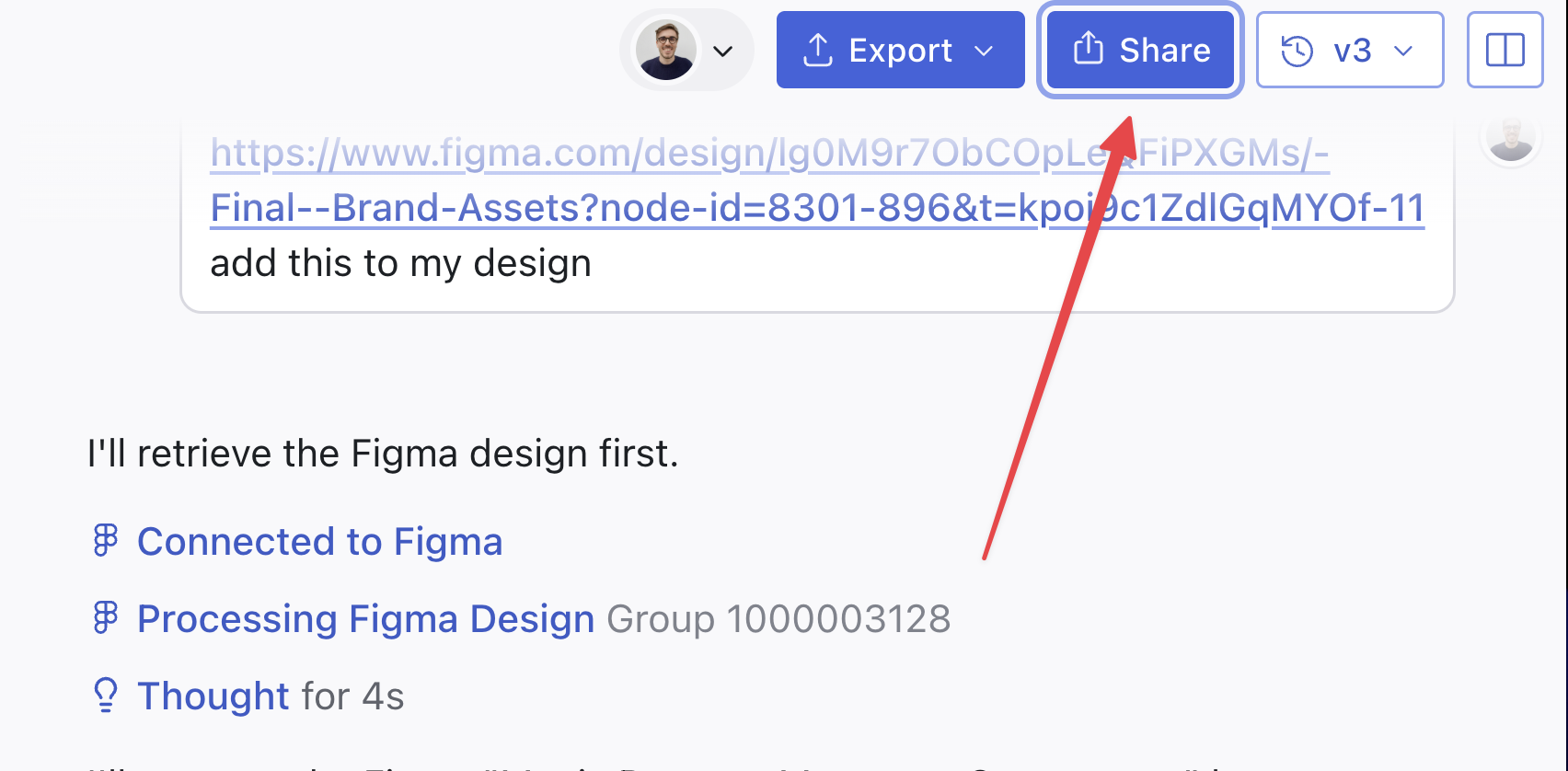
2
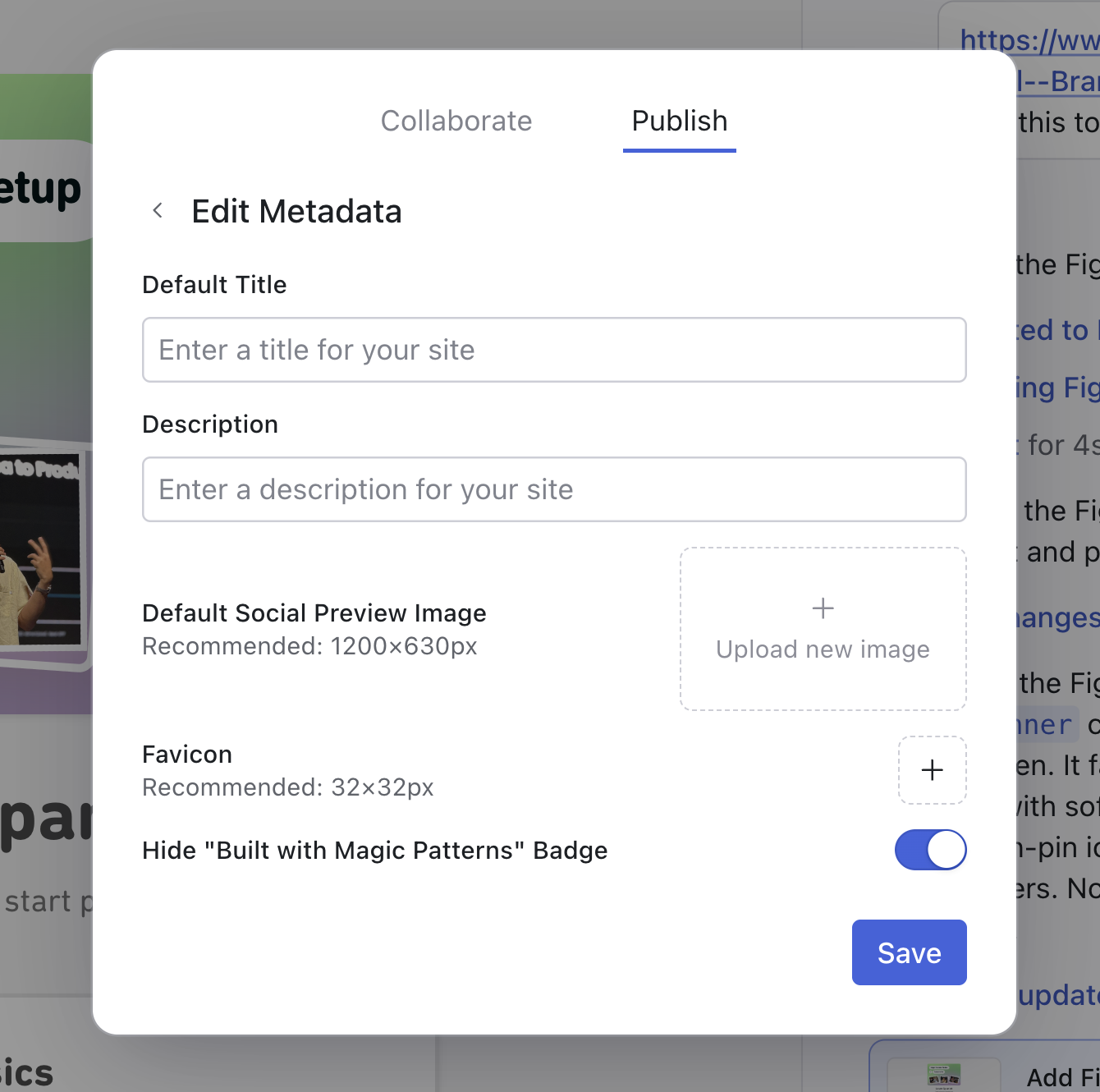
Edit your metadata
In the Publish modal, open the Metadata section. Here you can customize the metadata, such as favicons and descriptions.Click Save after making your changes.